
500 Internal Server Error, explained
The server tried to handle your request, something went wrong inside it, and it has no more specific way to say so. This is the only error that means the fault is definitely at the other end.
The server tried to handle your request, something went wrong inside it, and it has no more specific way to say so. This is the only error that means the fault is definitely at the other end.
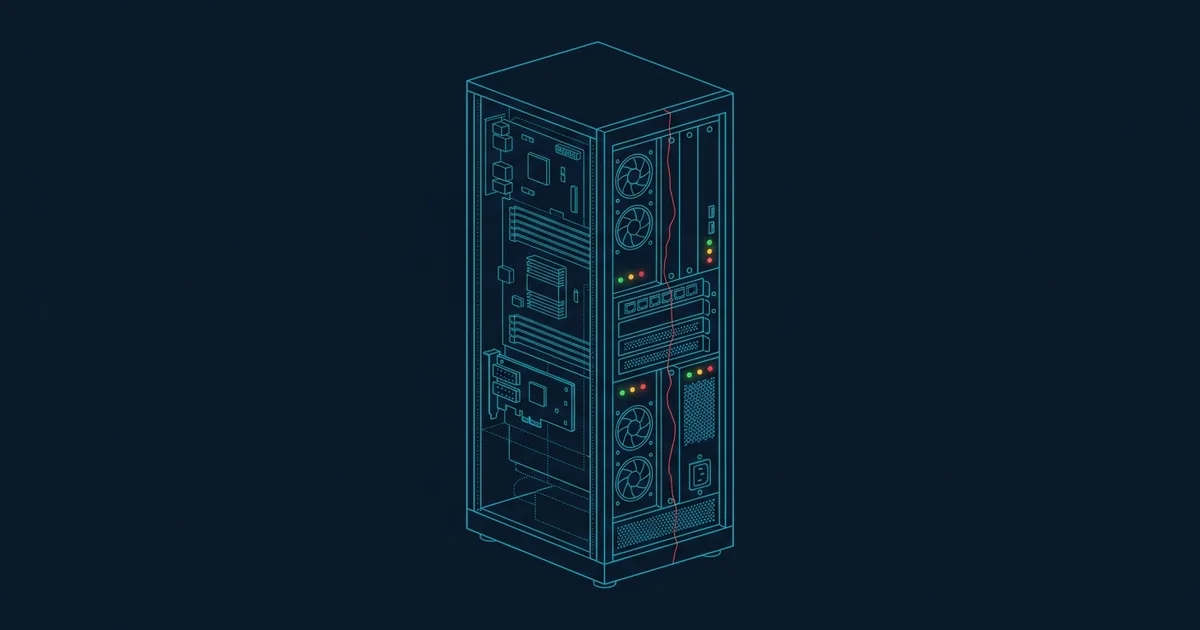
Of every error code on the web, 500 is the one that tells you least about the cause and most about the responsibility. It means: The server received your request, understood it, began to process it, and then hit a condition it did not know how to handle.
The HTTP specification describes it as the response for "an unexpected condition that prevented it from fulfilling the request". Unexpected is the operative word. A 500 is what a server sends when it has run out of more specific things to say.
In the overwhelming majority of cases, an unhandled exception. Somewhere in the application code that was assembling your page, something threw an error that nobody caught - A null value where an object was expected, a division by zero, a malformed row in a database, a library that raised something the calling code did not anticipate.
The web server catches that at the outermost layer, logs a stack trace, and returns 500 because the alternative is returning a half-built page or nothing at all. On the server side there is almost always a detailed error in a log file with the exact line number. On your side there is a number.
Other, less common producers of a 500:
.htaccess produces a 500 for every request under that directory. This is far and away the most common cause on shared hosting.The 5xx family exists to distinguish server errors from client errors. A 404 or a 403 is the server saying your request was wrong. A 500 is the server saying its own handling was wrong.
That distinction is worth holding onto, because the standard advice people are given - Clear your cache, restart your router, try a different browser - Makes no sense here. Your request arrived and was understood. The failure came afterwards, in code you have no access to.
The one exception: If a 500 appears only when you submit a particular form or use a particular character in a field, you have probably found input the application does not handle. That is still the server's bug, but the workaround - Changing what you type - Is available to you.
| Code | What it means | Where the fault is |
|---|---|---|
| 500 | The application itself failed | Inside the application |
| 502 | A proxy got an invalid response from upstream | Between the proxy and the app |
| 503 | Temporarily unable to handle the request | Capacity or deliberate maintenance |
| 504 | A proxy waited for upstream and gave up | The app is too slow or hung |
The practical difference matters when you are estimating how long to wait. A 502 or 504 usually means an application process has died or stalled and will be restarted automatically within minutes. A 503 with a Retry-After header is a deliberate and usually brief decision. A 500 is a code bug, and a code bug needs a human to deploy a fix - Which takes longer.
The log has the answer. On any modern stack the 500 was accompanied by a stack trace with a file and line number; the whole job is finding where that goes. Application logs first, then the web server error log, then the platform's log aggregator.
Three checks that resolve a large share of cases before you read anything: Did something deploy in the last hour, is the database reachable and under its connection limit, and is the disk full. The third causes remarkably many 500s and is invisible until you look, because a server that cannot write a session file or a temp file fails in ways that look nothing like a storage problem.
On shared hosting with Apache, check .htaccess first. A single unsupported directive produces a 500 for every request under that directory, and renaming the file to test takes five seconds.
Never show a stack trace to the public. A debug page exposes file paths, library versions, environment variables and sometimes credentials - That is a real disclosure, not a theoretical one. The generic page is generic for a reason.
The website's, always. A 500 means the server received and understood your request and then failed while processing it. Clearing your cache, changing browser or restarting your router cannot affect code running on someone else's machine.
Sometimes, if the cause was transient - A connection that timed out or a race condition. Try once. If it persists, repeated refreshing only adds load to a server that is already failing.
A 500 means the application itself threw an error. A 502 means a proxy in front of the application could not get a valid response from it at all - Usually because the application process has crashed or is not running. A 502 often resolves on its own when the process restarts; a 500 usually needs a code fix.
It depends entirely on whether the cause is transient or a code bug. A momentary resource problem clears in seconds. A bug shipped in a deploy lasts until someone rolls back or ships a fix, which at a large service is typically minutes and at a small one can be hours.
What a 502 Bad Gateway error means, why it is one of the most common outage errors, and why it usually clears within minutes.
What a 503 Service Unavailable error means, why it is often deliberate, and what the Retry-After header tells you about how long to wait.
What a 504 Gateway Timeout means, why it indicates a stuck rather than a dead application, and what usually causes the delay.
What Cloudflare errors 520, 521, 522, 523, 524, 525 and 526 mean, and whether the fault is Cloudflare or the website behind it.