
504 Gateway Timeout, explained
A proxy passed your request to the application, waited, and eventually gave up. Unlike most errors, this one takes a long time to arrive - And the wait is the diagnosis.
A proxy passed your request to the application, waited, and eventually gave up. Unlike most errors, this one takes a long time to arrive - And the wait is the diagnosis.
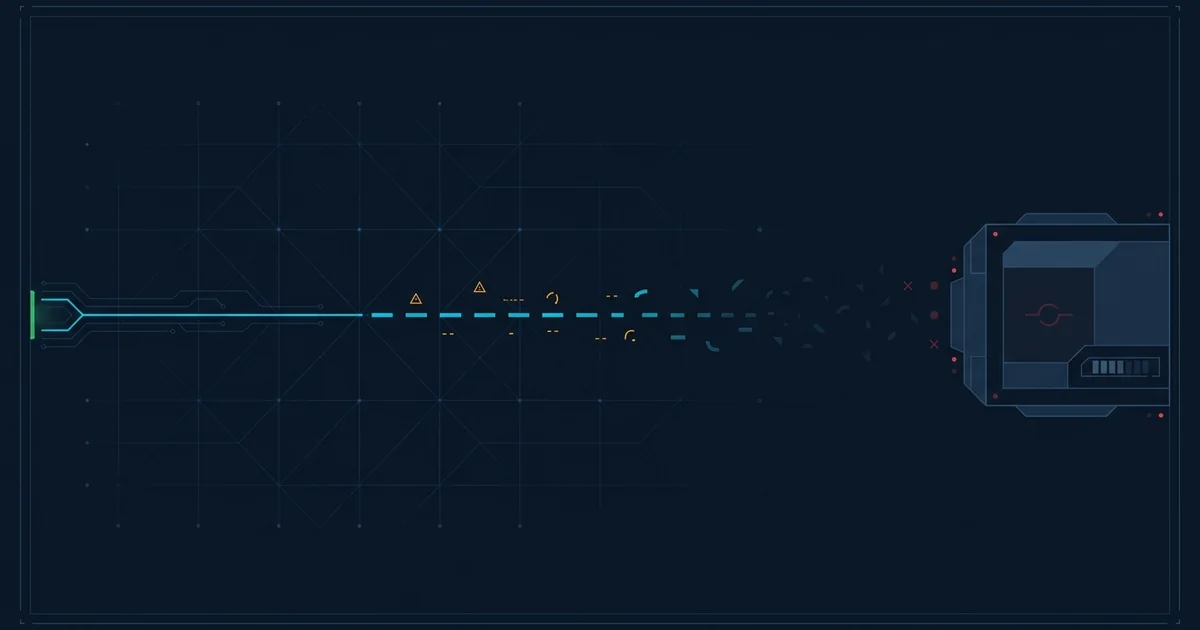
Every proxy has a patience limit. It forwards your request to the application behind it, starts a timer, and waits for a response. If the timer runs out first, it abandons the request and returns 504 Gateway Timeout.
The important thing about this error is what it rules out. The DNS resolved. The connection succeeded. The proxy was able to hand the request over. Something at the other end accepted it. The only thing that did not happen is a reply.
This is the distinction from a 502, and it changes what is wrong.
A 502 means the proxy could not get a valid response - Usually because nothing was there. That points at a dead process, and dead processes get restarted automatically.
A 504 means the process is there, took your request, and is sitting on it. Nothing will restart it, because from the supervisor's point of view it is running perfectly. It is just not finishing.
How long the page took to appear is real information, because it tells you whose timeout expired.
| Wait | Probably |
|---|---|
| ~30 seconds | A load balancer or PHP-FPM default |
| ~60 seconds | An nginx proxy_read_timeout default |
| ~100 seconds | Cloudflare's free-plan origin timeout |
If you consistently wait the same length of time before the error appears, that number identifies the component that gave up - And therefore where in the chain to look.
It is the first thing everyone reaches for and it usually makes things worse. A longer timeout means slow requests occupy workers for longer, which means fewer workers are available, which means more requests queue, which means more of them time out. You have converted a fast failure into a slow collapse.
The correct responses are to make the work faster, or to make it asynchronous. Anything that legitimately takes more than a few seconds - An export, a video encode, a bulk import - Should return immediately with a job identifier and let the client poll. That way nothing is ever waiting on a socket for a minute.
The one case where a longer timeout is right: A genuinely long-running operation behind an admin interface with low concurrency, where nobody else is competing for workers. Even then it is a workaround.
Waiting is more likely to work here than with most errors, because 504s are frequently load-related and load passes. Come back in a few minutes rather than reloading immediately - A reload adds another slow request to a system that is already short of capacity.
If the 504 happens only on one specific action - Submitting a large form, running a search with a wide date range, exporting a report - That is a strong signal it is a slow operation rather than a site-wide problem, and worth reporting with those specifics.
Find what is slow before touching any configuration. Enable the slow query log; it usually names the problem in one line. Check whether an external dependency has become slow, and whether your calls to it have timeouts set - An outbound call with no timeout is the most common way one third party's incident becomes your outage.
Then check worker saturation. If every worker is busy, the fix is not more workers, it is finding what they are all waiting on. Adding workers to a system bottlenecked on a database just moves the queue somewhere less visible.
A proxy in front of the website passed your request to the application, waited for a reply, and gave up when its timeout expired. The application is running and accepted the request - It simply did not finish answering in time.
A 502 means the upstream server gave no valid response, which usually means the process is dead. A 504 means it accepted the request and never finished, which means it is alive but stuck. A dead process gets restarted automatically; a stuck one does not.
Because you are waiting out the proxy's timeout before it gives up. That delay is useful information: A consistent 30, 60 or 100 second wait identifies which component in the chain ran out of patience.
Rarely, and it often makes things worse. A longer timeout means slow requests hold workers for longer, leaving fewer available and causing more requests to queue. The real fixes are making the slow operation faster or moving it to a background job.
What a 502 Bad Gateway error means, why it is one of the most common outage errors, and why it usually clears within minutes.
What a 500 Internal Server Error actually means, why it is always the server's fault, and the handful of cases where a visitor can work around it.
What Cloudflare errors 520, 521, 522, 523, 524, 525 and 526 mean, and whether the fault is Cloudflare or the website behind it.
What a 503 Service Unavailable error means, why it is often deliberate, and what the Retry-After header tells you about how long to wait.