
502 Bad Gateway, explained
A server in front of the website tried to pass your request to the application behind it and got nothing usable back. The front door works. What is behind it does not.
A server in front of the website tried to pass your request to the application behind it and got nothing usable back. The front door works. What is behind it does not.
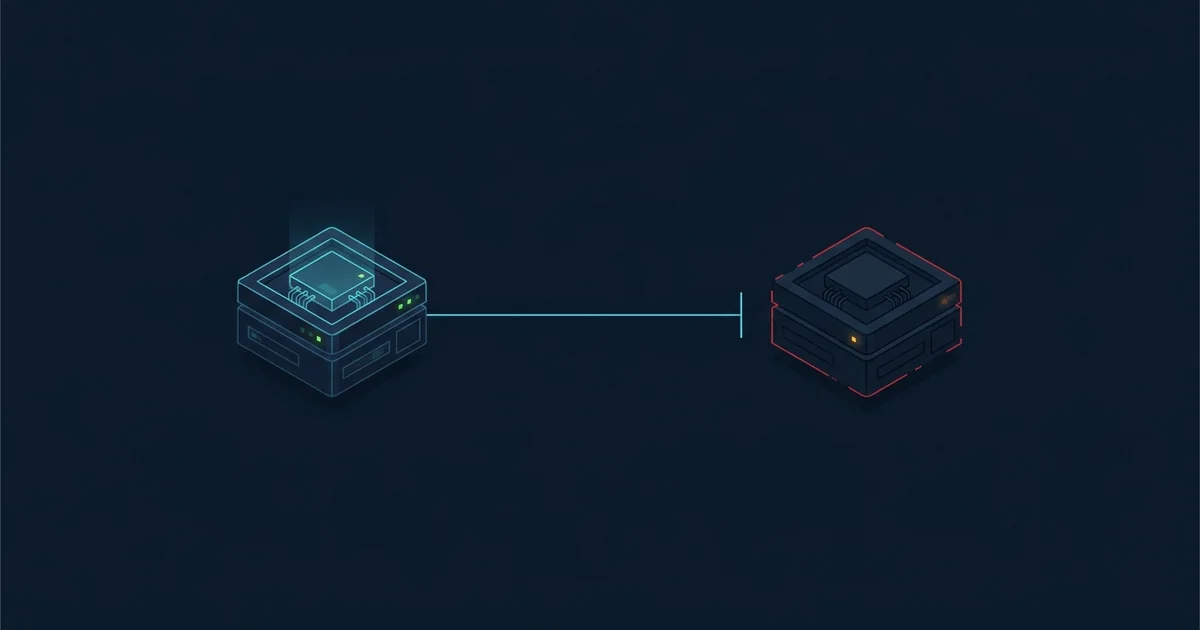
Almost no website is a single machine any more. Between you and the code that builds a page there is usually a CDN, then a load balancer, then a reverse proxy, then the application itself. A 502 tells you that this chain broke at a specific link: One of the machines in the middle asked the machine behind it for a response, and what came back was not a valid HTTP response.
That is why 502 is such a useful error, despite being frustrating. It tells you the site exists, the DNS is correct, the network path is fine, and something is listening on the right port. The failure is one hop further in.
Because the most common cause is a process that died, and process supervisors exist precisely to restart processes that die. Systemd, a container orchestrator, a platform supervisor - All of them notice a dead worker within seconds and start another.
So the typical 502 is measured in seconds to a couple of minutes. A 502 that persists for longer is a different and more interesting problem: It usually means the application is crashing on startup, in a loop, which means a deploy has shipped something broken. That needs a human and a rollback.
Rule of thumb: A 502 that clears on a reload was a dead worker. A 502 that persists for five minutes is a crash loop. The first fixes itself; the second does not.
These two are constantly confused and mean genuinely different things.
A 502 means the upstream answered wrongly or not at all - The connection failed, or the response was invalid. It is fast: The proxy knows immediately.
A 504 means the upstream did not answer in time. The connection succeeded, the request was accepted, and then nothing came back before the proxy's timeout expired. It is slow by definition - You usually wait thirty or sixty seconds before seeing it.
The diagnostic implication is different too. A 502 says the application is not there. A 504 says the application is there and stuck, which usually means a slow database query or a blocked external call.
If the error page carries a company's logo, that company's edge network is reporting that it could not reach the origin. Cloudflare pages carry a ray ID and often a more specific number in the 520–527 range, which narrows the cause considerably - Each of those means something particular.
This is worth noticing because it tells you which company is having the problem. A Cloudflare-branded 502 usually means the customer's origin server is down, not that Cloudflare is. A plain 502 from the site's own infrastructure means the problem is entirely theirs.
Reload once, wait thirty seconds, reload again. That covers the overwhelming majority of 502s, which are a worker that died and has already been replaced.
If it persists, check the site from another network to confirm it is not specific to your route, and then stop. There is nothing on your side involved in a 502 - Your request reached their infrastructure successfully, which is more than you can say for most errors.
Look at the application, not the proxy. The proxy is telling you the truth.
A server acting as a proxy - A CDN, load balancer or reverse proxy - Tried to pass your request to the application behind it and did not get a valid response back. The front of the site is working; the part that generates pages is not.
Usually seconds to a couple of minutes, because the most common cause is an application process that died and process supervisors restart those automatically. A 502 lasting longer than about five minutes normally means the application is crashing on startup in a loop, which needs a human.
No. Your request reached the site's infrastructure successfully - The failure happened between two of their machines. Reload once in case a worker has already been replaced, but nothing on your device is involved.
A 502 means the upstream server gave an invalid response or none at all, and the proxy knows immediately. A 504 means the upstream accepted the request and never finished answering, so the proxy waited out its timeout first. A 502 suggests a dead process; a 504 suggests a stuck one.
What a 500 Internal Server Error actually means, why it is always the server's fault, and the handful of cases where a visitor can work around it.
What a 504 Gateway Timeout means, why it indicates a stuck rather than a dead application, and what usually causes the delay.
What Cloudflare errors 520, 521, 522, 523, 524, 525 and 526 mean, and whether the fault is Cloudflare or the website behind it.
What a 503 Service Unavailable error means, why it is often deliberate, and what the Retry-After header tells you about how long to wait.