
VPN and proxy problems that break websites
A VPN changes your address, your route, your resolver and often your MTU. Each of those breaks a different set of sites, in a different way.
A VPN changes your address, your route, your resolver and often your MTU. Each of those breaks a different set of sites, in a different way.
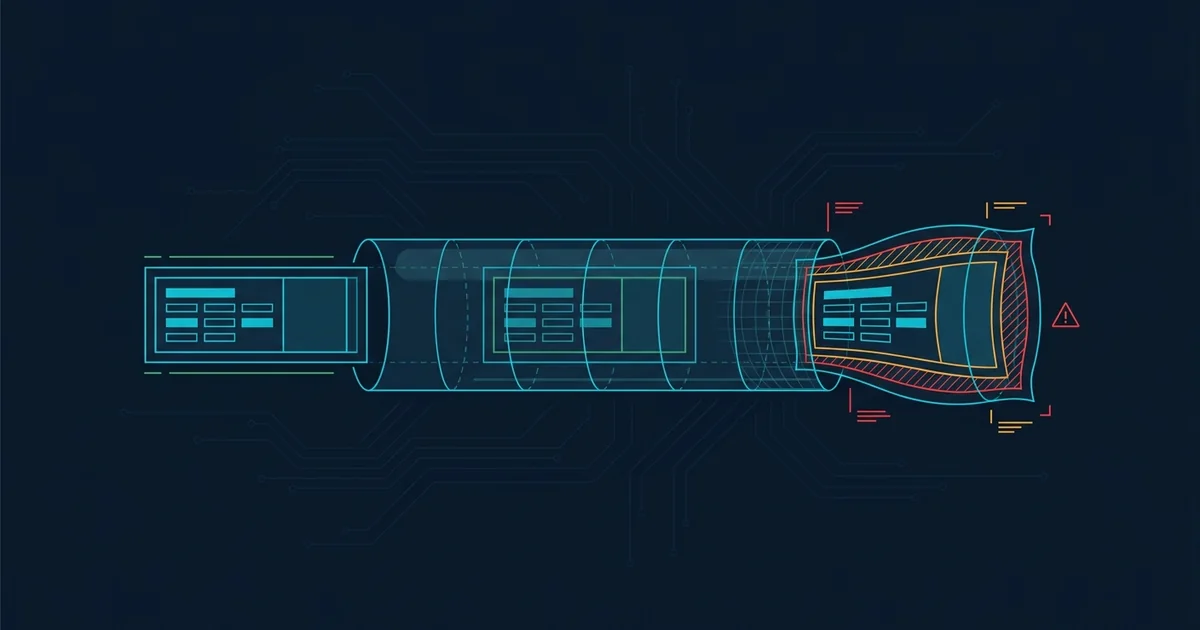
A VPN is not a transparent tunnel. It replaces four things at once - Your apparent address, your route, your DNS resolver and frequently your effective packet size - And each of those replacements breaks a different category of website.
Which is why the single most useful troubleshooting step for anyone using one is also the simplest: Turn it off for one request.
The biggest category. Commercial VPN exit nodes are shared by thousands of people and carry an extremely mixed traffic profile. Services that care about abuse block them, and you inherit the reputation of everyone else on that address.
The symptoms:
Banks and payment services are the strictest, and reasonably so: A login from an address in a different country to your usual one is exactly what account takeover looks like. Payment platforms in particular will often let you browse and then fail at the transaction.
Switching to a different server sometimes helps, because you land on a different address that may not be listed. Residential-IP services avoid the problem almost entirely and are considerably more expensive for that exact reason.
VPN clients usually push their own resolver. When that works it is good for privacy; when it does not, you get name resolution failures across the board while the tunnel itself is perfectly healthy.
Two distinct failures. A DNS leak means queries are still going to your ISP outside the tunnel - A privacy problem rather than a connectivity one. A broken tunnel resolver means the VPN's DNS server is unreachable or misconfigured, and nothing resolves.
Testing is the same as always: If https://1.1.1.1 loads while names do not, DNS is the problem. The DNS guide applies, with the extra option of configuring the VPN client to use a public resolver instead of its own.
The most distinctive failure a VPN produces, and the one people misdiagnose most often.
A VPN wraps your traffic in an outer packet, which means less room inside for your actual data. If the effective maximum packet size is not negotiated correctly, large packets are dropped silently and small ones get through.
The result is unmistakable once you know it: Small pages load instantly, large pages stall halfway, file downloads die at the same point every attempt, and SSH sessions freeze the moment output gets long. Nothing errors - It just stops.
The fix: Lower the MTU in the VPN client. 1400 is a safe starting point; 1380 or 1360 if that is not enough. Some clients offer MSS clamping, which handles it more gracefully. This single setting resolves a large share of "my VPN is slow" complaints, which were never about speed.
A VPN costs some throughput unavoidably - Encryption overhead, a longer path, and the capacity of the exit server. A modest loss is normal.
A large loss usually means one of three things: An exit server that is overloaded, a geographically absurd route (connecting to Singapore to reach a site two miles away), or an older protocol. WireGuard is materially faster than OpenVPN on most hardware, and if your provider offers it, switching is the single biggest speed improvement available.
Company VPNs add problems consumer ones do not have.
Full tunnelling sends all your traffic through the company network, so every site you visit is subject to their filtering and their bandwidth. Split tunnelling sends only company traffic through, which is faster but sometimes disallowed by policy.
TLS inspection is the one that breaks things: The company decrypts and re-encrypts your HTTPS traffic to inspect it, using a root certificate installed on your managed device. Sites using certificate pinning refuse to work through it at all, and that is by design rather than a fault.
Corporate DNS also typically resolves internal names and may block a great deal of the public internet. If a site works on your phone and not on your work laptop, this is usually why, and it is not something you can fix.
Worth knowing about because it causes a specific confusion. A killswitch blocks all traffic when the tunnel drops, so that nothing leaks outside it. When it activates, your internet appears to be completely dead - And the VPN client may not say so prominently.
If everything stops working at once and you use a VPN, check whether the tunnel has dropped before you start diagnosing your router. This is a surprisingly common ten-minute detour.
Because VPN exit addresses are shared by many people with very mixed traffic, so they accumulate poor reputations and appear on block lists. Banks, streaming services and retailers block them most aggressively. You inherit the reputation of everyone else using that address.
Almost certainly MTU. A VPN wraps your traffic in an outer packet, leaving less room inside, and if the effective size is not negotiated correctly large packets are dropped while small ones get through. Lowering the MTU in the client to 1400 usually fixes it immediately.
Somewhat and unavoidably, from encryption overhead and a longer route. A large slowdown usually means an overloaded exit server, a geographically illogical route, or an older protocol - Switching to WireGuard is typically the single biggest improvement available.
The killswitch. It blocks all traffic when the tunnel drops so nothing leaks outside it, which makes your connection look completely dead. If everything fails at once and you use a VPN, check the tunnel before diagnosing anything else.
What a 403 Forbidden error means, why VPNs and shared addresses trigger it, and how to tell an access rule from a bot filter.
What ERR_CONNECTION_REFUSED, ERR_CONNECTION_TIMED_OUT and ERR_CONNECTION_RESET mean, and how to tell which side caused each.
A layered diagnostic for working out whether the fault is your device, your network, your ISP, DNS, or the website itself.
How DNS resolution fails, how to confirm it is the cause, and how to fix it - Including which resolver to switch to and why.