
Connection refused, timed out or reset: what each error means
These are not HTTP errors. No server ever sent them. They are your browser telling you the conversation never started - And each one describes a different way it failed to start.
These are not HTTP errors. No server ever sent them. They are your browser telling you the conversation never started - And each one describes a different way it failed to start.
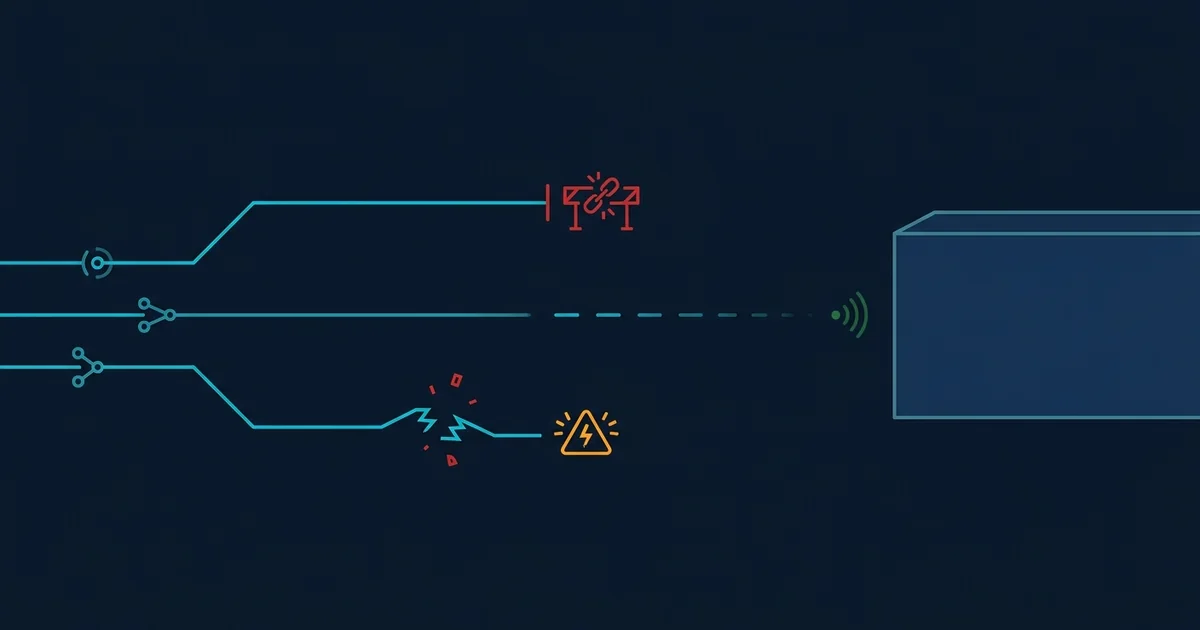
There is a category difference between a 404 and an ERR_CONNECTION_REFUSED that most troubleshooting advice ignores. A 404 was sent by a server. An ERR_ message was generated by your own browser, because no server ever spoke to it.
That matters: It means every one of these errors describes a failure in the network layer, before HTTP was reached, and the diagnostic questions are completely different.
Your machine resolved the name, sent a connection request to that address and port, and got back an explicit refusal - A TCP reset. Something is at that address and it actively said no.
This is a clear answer rather than a mystery. Causes:
https:// from a server that only listens on port 80, or a development server on a port you have misremembered.That last case is the tell: If every site gives a connection refused, the problem is local - A proxy setting, VPN software that exited badly, or a local security product. If one site gives it and others work, that site is down.
Your machine sent connection requests and nothing came back at all. Not a refusal - Silence. The browser waited out its timeout and gave up.
Silence is less informative than refusal, and there are more possibilities:
Timeouts take a long time to appear, which is itself a clue: If the error arrives instantly it is more likely refused or a DNS failure than a genuine timeout.
The connection was established and then abruptly terminated mid-conversation. Not refused, not ignored - Killed after it had started.
This one is more often caused by something in the middle than by either endpoint:
Intermittent resets on large pages while small ones work is almost always MTU. It is one of the few network problems with a genuinely distinctive symptom.
| Symptom | Most likely | First thing to try |
|---|---|---|
| Every site refused | Local proxy or VPN software | Check proxy settings, restart networking |
| One site refused, others fine | That server is stopped | Nothing - Wait |
| Every site timing out | Router or ISP | Try mobile data |
| One site timing out | That site or the route to it | Check from another network |
| Reset on big pages only | MTU | Disconnect VPN; lower MTU |
| Reset on HTTPS only | TLS interception | Disable antivirus HTTPS scanning |
Switch to mobile data with Wi-Fi off. That replaces your router, your ISP and your DNS resolver in one move. If everything works, the fault is inside your network. If the same site fails the same way, the fault is at the other end and a check from our servers will confirm it.
Two further tests worth knowing. Opening https://1.1.1.1 tests raw connectivity without DNS. And trying the site in a private window rules out extensions, which cause resets more often than people expect - Some security extensions terminate connections they consider suspicious.
Reinstalling the browser, resetting the entire network stack, and running registry cleaners are the standard advice on the more excitable troubleshooting sites, and none of them is the answer to any of the three errors above. Work out which error you have, apply the table, and stop there.
Refused means something at that address actively rejected the connection - A clear no. Timed out means nothing answered at all, so the browser waited and gave up. A refusal usually means no service is listening; silence usually means a firewall dropping packets, an overloaded server, or a routing problem.
Almost always something local: A proxy configured in your browser or system that is no longer running, VPN software that exited badly, or a local security product. If it were a website problem, only that website would be affected.
Something terminated the connection after it was established. Most often that is something in the middle - Corporate TLS inspection, antivirus HTTPS scanning, or a filtering appliance - Rather than either endpoint. Resets that only affect large pages are usually an MTU problem, typically on a VPN.
No. Errors beginning ERR_ are generated by your browser because no HTTP conversation ever took place. A 404 or 502 was sent by a server; a connection error means no server ever spoke to you.
What DNS_PROBE_FINISHED_NXDOMAIN means, the difference between a genuinely non-existent domain and a resolver problem, and how to tell them apart.
What a 502 Bad Gateway error means, why it is one of the most common outage errors, and why it usually clears within minutes.
How to diagnose a router or Wi-Fi problem from the status lights, and the difference between a line fault, a Wi-Fi fault and congestion.
What a 500 Internal Server Error actually means, why it is always the server's fault, and the handful of cases where a visitor can work around it.