
Is it my internet, or the website?
Five tests, each one ruling out a whole layer, ordered so that the fastest and most decisive comes first. Most problems are identified by test two.
Five tests, each one ruling out a whole layer, ordered so that the fastest and most decisive comes first. Most problems are identified by test two.
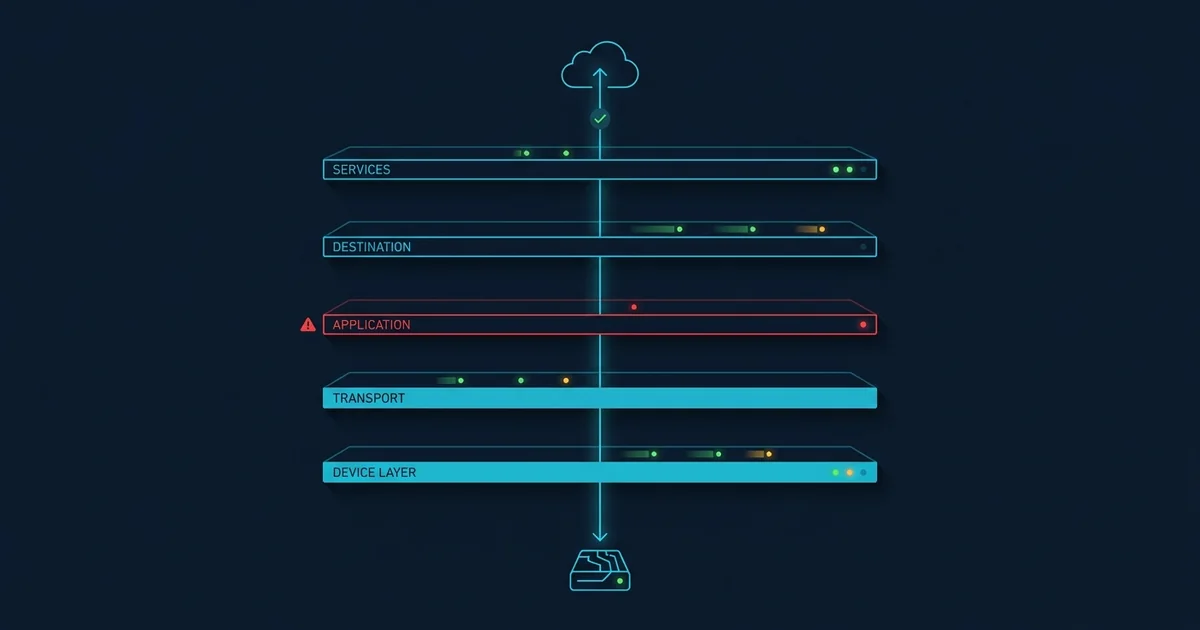
A failed page load could have broken at any of six layers: Your device, your Wi-Fi, your router, your ISP, DNS, or the website. The browser shows you the same thing regardless.
The efficient approach is not to check them in physical order but in order of how much each test rules out. Done properly this takes about ninety seconds and usually finishes at step two.
Open three unrelated sites - Different companies, different hosting, different countries if you can manage it.
All three work. Your internet is fine and one site is the problem. Skip to the end.
All three fail. Something between you and the internet at large. Continue.
Some work, some do not. The most interesting result. Your connection is fine, and a shared layer is having trouble - A CDN, a cloud region, or a DNS resolver returning answers for some names and not others. This pattern has its own article; briefly, look at the error pages, because if several sites show the same third party's branded error you have found the layer.
Type https://1.1.1.1 into the address bar. That is a numeric address; no name resolution is involved.
A page loads. Your connection is completely fine and DNS is the problem. This is by far the most common cause of "the internet is down" and the fix takes a minute. Go to the DNS guide.
It does not load. Genuine connectivity failure. Continue.
This single test separates two enormous categories of problem and takes ten seconds. It is the one people never do, and it is the one that would have saved them the most time.
Try the same site on a phone or another computer on the same Wi-Fi.
The other device works. The problem is your first device: Its network configuration, a VPN client, a firewall, a proxy setting, or the browser. Browser-level causes are worth checking before anything drastic.
Both fail. The problem is the network, not the device. Continue.
On a phone, turn Wi-Fi off and use cellular. This replaces your router, your ISP and your DNS resolver in one action, which is why it is such a good test.
Mobile data works. Your home network or your ISP. The next question is which - See below.
Mobile data fails the same way. The problem is beyond both networks: The site itself, or something between you and it that both paths share. Confirm with a check from our servers and stop troubleshooting locally.
You have narrowed it to your own connection. The router's status lights tell you which side of the router the problem is on.
If the line is down, check your provider's outage checker with your address, and check whether other people in your area are reporting problems. ISP faults cluster tightly by geography - Cable providers in particular fail at node level, which means the next street can be completely unaffected.
Only now is restarting the router worth doing, and do it properly: Power off for a full thirty seconds so any capacitors discharge and the ISP's session times out cleanly. A two-second power cycle often reconnects the same broken session.
| Finding | Layer | Can you fix it? |
|---|---|---|
| One site fails, everything else fine | That website | No |
| IP works, names do not | DNS | Yes, in a minute |
| One device fails, others fine | That device | Yes |
| Wi-Fi fails, mobile works | Router or ISP | Partly |
| Both networks fail the same way | The destination | No |
| Some sites fail, others fine | A shared provider | No |
A quicker route next time: the browser extension checks the current tab in one click.
Intermittent is different. A connection that works and then does not, repeatedly, is usually a physical or capacity problem rather than a configuration one - A marginal cable, Wi-Fi interference, or evening congestion on a shared line. Configuration problems are consistent; physical ones are not.
Slow is not down. A connection that is up but very slow has a different set of causes: Contention on a shared medium, a device saturating the link, or throttling. Running a speed test at different times of day usually distinguishes congestion from a fault, because congestion has a shape and a fault does not.
Try three unrelated sites. If all three work, the one that failed is the problem. If all three fail, it is your connection. If some work and some do not, your connection is fine and a shared layer - A CDN, a cloud region or a DNS resolver - Is having trouble.
Mobile data uses a different network, a different route and a different DNS resolver. The most common explanation is DNS: Your home resolver is returning a stale or filtered answer while your carrier's is not. Switching your device to a public resolver usually fixes it.
Only after you have established that the problem is your own connection. If a site is unreachable from an independent network, restarting your router cannot help. When you do, power off for a full thirty seconds - A quick power cycle often just reconnects the same broken session.
Your connection is fine, which rules out most local causes. This pattern points at a shared provider - A CDN, a cloud region or a DNS resolver - Having trouble. If several failing sites show the same third party's branded error page, that identifies the layer.
How DNS resolution fails, how to confirm it is the cause, and how to fix it - Including which resolver to switch to and why.
How to diagnose a router or Wi-Fi problem from the status lights, and the difference between a line fault, a Wi-Fi fault and congestion.
A practical order of tests for working out whether a website is genuinely down or the problem is on your side - And what each result rules out.
Exact commands for flushing the DNS cache on every major platform, plus the browser and router caches people forget about.